Petitioning
Logging Sessions
Create petitioning sessions to organize and track field collection work.
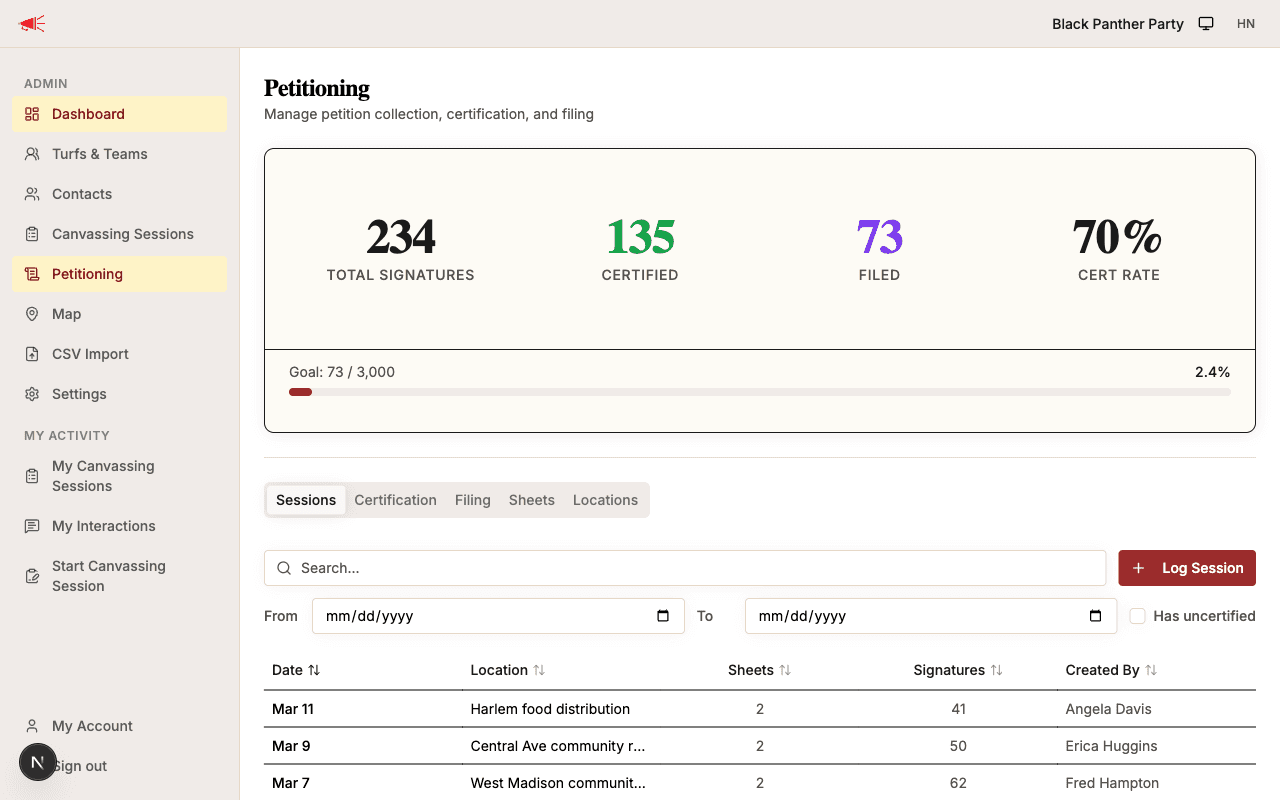
A petitioning session represents a scheduled block of time at a specific location where volunteers collect petition signatures. Logging sessions let you link uploaded sheets back to the when and where of collection.
Creating a Session
- Open the Petitioning hub from the sidebar.
- On the Sessions tab, click Log Session.
- Fill in the session details:
| Field | Required | Description |
|---|---|---|
| Date | Yes | The date the session took place. Defaults to today. |
| Location | Yes | Where the session was held (e.g., "Downtown Boston, City Hall Plaza"). |
| Start time | No | When the session began. |
| End time | No | When the session ended. |
| Day-of-point | No | The member responsible for coordinating this session. |
| Notes | No | Any additional context about the session. |
- Click Log Session to save.
The session will appear in the Sessions tab of the petitioning hub.
Linking Sheets to Sessions
When you upload a petition sheet, you can select which session it came from using the Petitioning session dropdown. This links the sheet to the session for reporting and organization.
What's Next
Once a session is logged and sheets are uploaded, certified copies from city hall can be scanned into the app.